How SEEFAR Scaled Global Training to Thousands of People with the “Seefar Academy” Platform

SEEFAR Foundation is a global social enterprise (charity) dedicated to helping vulnerable people, including migrants, build better lives. A core part of their mission involves providing accessible, high-quality online training to a vast, global audience across multiple regions and languages.

SEEFAR Foundation secured a new, purpose-funded project to deliver vital online training to a global audience of migrants. This presented an immediate and critical infrastructure challenge: they had no existing training program or digital platform to deliver, manage, and track this content.

The team was starting from a clean slate. The challenge was not to fix a broken system, but to build a new one from scratch that could meet the project’s complex demands from day one.

Without a dedicated platform, SEEFAR faced:

  • No Viable Path to Delivery: They lacked a centralised way to host courses. Attempting to use manual methods like shared drives or email for a project of this scale would have created a chaotic and inconsistent learner experience, leading to frustration and drop-offs.
  • No Data or Tracking: A core requirement of the project was to measure impact. Without a platform, it would be impossible to track learner engagement, progress, or completion rates.
  • Inability to Scale: The project was global by nature. Any manual solution would create significant delays and be impossible to scale efficiently to new regions or languages.

The team was “limited” by this technology gap, unable to execute the full potential of their mission without a scalable, purpose-built solution.

SEEFAR needed a partner with the “flexibility and willingness to understand their unique needs.” They chose Tyne Solutions to design and build “Seefar Academy,” a dedicated, centralised, and scalable Learning Management System (LMS).

The platform was engineered to solve their specific challenges by:

  • Centralising Content: Hosting all online training for migrants in one accessible, easy-to-navigate portal.
  • Automating the Learner Journey: The platform was built with automated modules that allowed learners to pause and resume courses at their own pace.
  • Tracking and Certification: The system automatically tracked user progress and issued certificates upon completion, enhancing learner motivation and providing clear data.

The new “Seefar Academy” platform transformed SEEFAR’s ability to deliver and measure its training programmes, enabling a scale previously impossible.

“The automated modules… [allowing] learners to pause and resume at their own pace, issuing certificates upon completion… enhanced flexibility and motivation.”

Tangible Outcomes:

  • Massive Global Reach: The platform successfully reached nearly 480,000 visitors, primarily from Mali, Nigeria, and Afghanistan.
  • Valuable Engagement Data: For the first time, SEEFAR had clear, hard data on user behaviour. The platform tracked that 411 users enrolled in courses.
  • Actionable Insights for Improvement: The data also provided critical insights for iteration. It revealed that while enrollment was high, almost half of the users never started the course, and only a small fraction completed more than 25%. This invaluable, real-world data gave SEEFAR a clear direction on where to focus efforts to improve course content and user engagement.
  • A Scalable Foundation: The platform has successfully removed the “delays in rolling out courses” and given SEEFAR the flexible, robust foundation needed to efficiently expand its training to new regions and languages.

Cybersecurity is No Longer a Moat: Why Data Collaboration is Your New Defense

Here’s the problem: hackers share everything. They trade tools, swap tricks, and sell access to compromised systems. Meanwhile, most businesses operate in silos, unaware that the same attack hitting them was stopped by another company weeks earlier.

The numbers are stark. Cyberattacks rose 30% in 2024. Once inside, attackers start spreading through your network in just 48 minutes on average. The fastest recorded? 51 seconds.

Your business can’t outpace that alone. But what if you had access to real-time warnings from thousands of other organisations facing the same threats?

That’s what collaboration offers.

The biggest wins against cybercrime all have one thing in common: teamwork.

INTERPOL’s Operation Synergia II ran from April to August 2024. Law enforcement from 95 countries worked alongside security companies like Trend Micro and Kaspersky. Together, they shut down over 22,000 malicious servers and made 41 arrests.

Operation Serengeti followed in late 2024, targeting online fraud across Africa. The result: 1,200 arrests and $100 million recovered. It worked because INTERPOL connected police, private firms, and research groups, with each contributing pieces of the puzzle.

This isn’t just about catching criminals. It’s proof that shared intelligence stops attacks faster.

The Shadowserver Foundation has done this for twenty years. They send free daily threat alerts to over 7,000 organisations in 175 countries. When Saudi Arabia’s cyber agency spotted compromised devices, they shared the information with Shadowserver. Within hours, thousands of businesses worldwide had patched the same vulnerability before hackers could exploit it.

One company’s discovery became everyone’s protection.

You don’t need a big budget to join this network. Here’s where to start.

Join regional groups. In Southeast Asia, Shadowserver works with cybersecurity agencies in Indonesia, Malaysia, Philippines, and Thailand to share threat data for free. Similar initiatives exist across Africa, the Middle East, and beyond.

Ask about partnerships. INTERPOL and many national agencies run formal programmes with private companies, sharing data, exchanging experts, and running joint operations.

This isn’t just about joining a group. It’s about how you build your technology.

Your security tools should do more than block threats. They should pull in external intelligence, match it against what’s happening in your network, and flag problems before they spread.

If you’re building custom software, whether it’s an ERP, a customer portal, or an internal app, design it with threat intelligence in mind. Standard logging formats. APIs for threat feeds. Automated alerts. These aren’t nice-to-haves. They’re how modern businesses stay protected.

Companies in the Shadowserver Alliance already do this. Partners like Mastercard, Trend Micro, and Akamai share what they see and receive real-time intelligence in return. Everyone gets stronger.

Your attackers are already collaborating. Why aren’t you?

How Megalift Reduced Invoicing Time by 90% with a Bespoke ERP

Megalift Sdn Bhd is a leader in Brunei’s heavy lifting and transport logistics industry. For over two decades, they have provided critical services for complex, large-scale projects, building a reputation for reliability and precision in a demanding sector where safety and efficiency are paramount.

Megalift’s operations are inherently complex, involving a vast fleet of specialised equipment, highly skilled personnel, and stringent safety protocols. As the company grew, its reliance on a patchwork of spreadsheets and manual administrative processes became a significant operational bottleneck.

The core challenges were:

  • Crippling Inefficiency: The invoicing process was entirely manual, requiring staff to cross-reference multiple spreadsheets and paper documents. A single, complex invoice could take several days to compile, delaying revenue collection and consuming valuable staff hours.
  • Lack of Data Visibility: With critical information siloed in separate documents, management had no real-time view of fleet availability, project status, or client activity. This made strategic decision-making difficult and reactive.
  • Compliance Risks: Adhering to rigorous ISO and Occupational Health and Safety (OHS) standards required meticulous record-keeping. Manual processes made this difficult to manage and even harder to audit, creating significant compliance risks.
  • Strained Client Relationships: The slow, manual workflow for everything from quotations to invoicing meant that client communication was often delayed, impacting the seamless service Megalift strives to provide.

The chaotic workflow was not just inefficient; it was a barrier to future growth and a risk to the company’s hard-earned reputation.

Megalift knew that a standard, off-the-shelf software solution would not work. Their workflows are too specialised, and they needed a system that would conform to their processes, not the other way around. They chose Tyne Solutions for their proven ability to understand and engineer a truly bespoke solution.

Tyne Solutions designed and deployed a tailored, integrated ERP system that became the central nervous system for Megalift’s entire operation. The solution was built around three core, custom-built modules:

  1. Integrated Invoicing Module: This module automated the entire invoicing lifecycle. It directly pulls data on equipment usage, personnel hours, and project milestones, generating accurate, detailed invoices in a fraction of the time.
  2. Customer Relationship Management (CRM): A centralised hub for all client information, contracts, and communication history, providing a single source of truth for the sales and operations teams.
  3. Delivery Order Management System: A dedicated module to track the status, delivery requirements, and availability of every piece of equipment in their extensive fleet, optimising asset utilisation and ensuring compliance.

The entire system was built to be a consolidated platform, eliminating data silos and creating seamless workflows between departments.

The implementation of the bespoke ERP has fundamentally transformed Megalift’s operations, delivering significant, measurable results.

“The single source of truth. The ability to see everything in one place has been transformative for our decision-making process.”

Quantitative Impact:

  • 90% Reduction in Invoicing Time: The time taken to generate complex invoices was reduced from several days to just a few hours.
  • 100% Data Centralisation: All operational data now resides in a single, secure system, eliminating the risks and inefficiencies of spreadsheet-based management.

Qualitative Impact:

  • A Single Source of Truth: As highlighted by their team, management now has instant access to real-time data, enabling faster, more informed strategic decisions.
  • Enhanced Compliance: With all operational data logged and auditable within the ERP, demonstrating compliance with ISO and OHS standards is now a simple, streamlined process.
  • Empowered Team: By automating tedious manual tasks, the administrative team is now free to focus on higher-value activities, improving both morale and productivity.
  • Improved Client Relationships: Faster quoting, transparent project tracking, and immediate invoicing have significantly enhanced the client experience.

By partnering with Tyne Solutions, Megalift has not only solved its operational challenges but has also built a scalable digital foundation to support its future growth and solidify its position as a leader in the region.

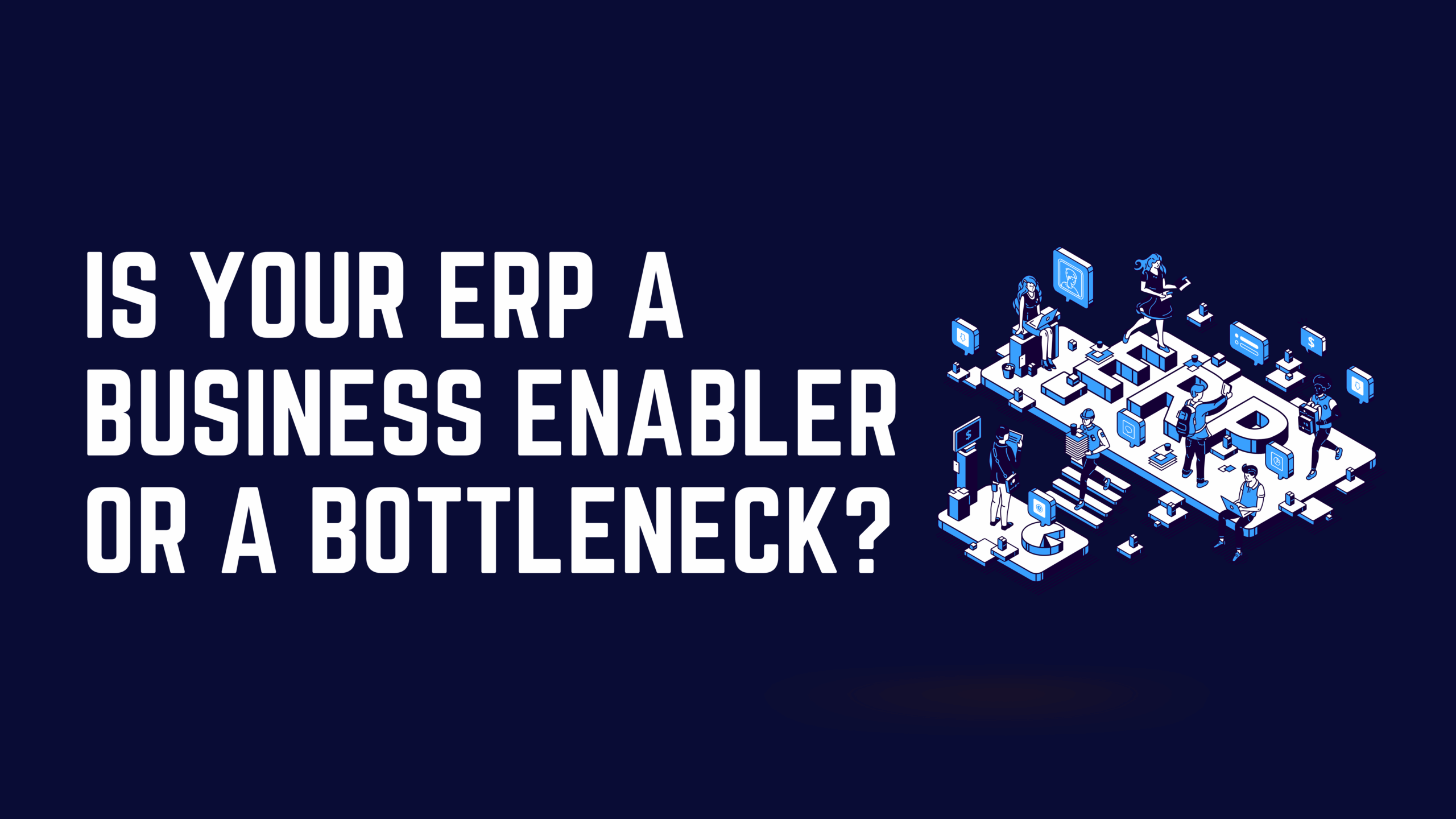
Is Your ERP a Business Enabler or a Bottleneck

Is Your ERP a Business Enabler or a Bottleneck?

Every business leader has heard the promise: implement an Enterprise Resource Planning (ERP) system, and you’ll streamline operations, gain visibility across departments, and make better decisions faster. Yet for many organisations, the reality falls far short of this vision.

Instead of empowerment, teams face frustration. Instead of insights, leadership gets incomplete data. Instead of efficiency, workflows grind to a halt as employees navigate rigid systems that don’t match how the business actually operates.

The uncomfortable truth is that your ERP system, the very technology meant to be the backbone of your operations, might be the biggest obstacle standing between your business and its potential.

This isn’t a theoretical problem. Across Brunei, Southeast Asia, and beyond, we’ve seen ambitious companies plateau not because of market conditions or talent gaps, but because their ERP has become a digital straitjacket. The question isn’t whether this is happening to your organisation. The question is: how do you know if it is?

 Here are the five most common signs that your ERP is no longer a business enabler.

A tailored ERP, in contrast, is built to conform to your workflows. If your team needs a specific report or a custom process, that functionality is built directly into the system, eliminating the need for spreadsheets.

A major red flag is when your team constantly says, “The system doesn’t let us do it that way, so we have to do it like this.” This is a profound strategic bottleneck. Your technology should be a tool to enhance your unique advantage, not erase it. For example, your organisation may have a specialised client onboarding process or a unique invoicing method that gives you a competitive edge. By forcing your business to conform to its rigid, “one-size-fits-all” workflows, your generic ERP is actively making your company less competitive. You are being forced to adopt the same “best practice” as everyone else, which by definition means you are not differentiating.

A tailored ERP is designed to protect and scale your “secret sauce.” It is built around your processes, ensuring your technology is a competitive weapon rather than a blunt instrument.

When you ask a simple question like, “What is our real-time project profitability?” or “What is our current stock level across all locations?”, a common answer is, “We can get that report for you by tomorrow.” This lack of real-time business intelligence is a fatal flaw in a fast-moving economy. Your legacy ERP is failing at its core job: to provide a single, unified view of the business. Its data is locked in siloes, and reports are slow and complex to run. This means your leadership is flying blind, making strategic decisions based on a backwards-looking, fragmented picture.

A modern, integrated ERP serves one primary purpose: to provide instant, role-based business intelligence. All data from finance, HR, and operations lives in one place, allowing a manager to see a live dashboard of the metrics that matter, not a month-old report.

Your business wants to adopt a new, modern tool, a new e-commerce platform, a mobile claims app, or an advanced analytics tool, only to discover that connecting it to your legacy ERP is a massive, complex, and expensive project. This creates a “digital island” and is the enemy of operational efficiency and scalability. In today’s API-driven world, your ERP must be a central hub that can easily connect to other best-in-class services. If your ERP makes integration a nightmare, it is preventing your business from innovating and adapting to new opportunities.

A tailored ERP is built with a modern, “API-first” architecture. It is designed to be a flexible hub, ready to integrate with other tools and scale as your business evolves.

Your initial ERP implementation was just the beginning. You are now stuck in a cycle of expensive, mandatory upgrades, paying for hundreds of user licenses you don’t fully use, and hiring costly consultants to build fragile “customisations” that break with every patch. This is a classic bottleneck. The “safe” choice of a big-name ERP has become a money pit. You are paying for a bloated, one-size-fits-all system that doesn’t fit your needs, and then paying a second time in consultant fees to try and force it to fit. This high TCO drains your budget, leaving little for true innovation.

A tailored ERP is built for your specific needs. You pay only for the modules and features you use, eliminating “licence bloat.” Modern, automated development practices have also made the cost of building custom, secure, and scalable solutions more accessible than ever before.


Your ERP should be invisible when it’s working well. Employees should think about their work, not the software. Leaders should think about strategy, not report compilation. The system should fade into the background, quietly ensuring data flows where it needs to go, intelligence appears when it’s needed, and operations run smoothly.

If your ERP is highly visible, if teams complain about it, if leadership waits for reports, if the software itself becomes a topic of regular discussion, it’s not working.

The technology at the heart of your operations should be enabling your ambitions, not constraining them. It should reflect your business logic, not forcing you to abandon it. It should be accelerating your competitive edge, not dulling it.

If it’s not doing these things, you don’t have an ERP problem. You have a strategic vulnerability.

The question is: what are you going to do about it?

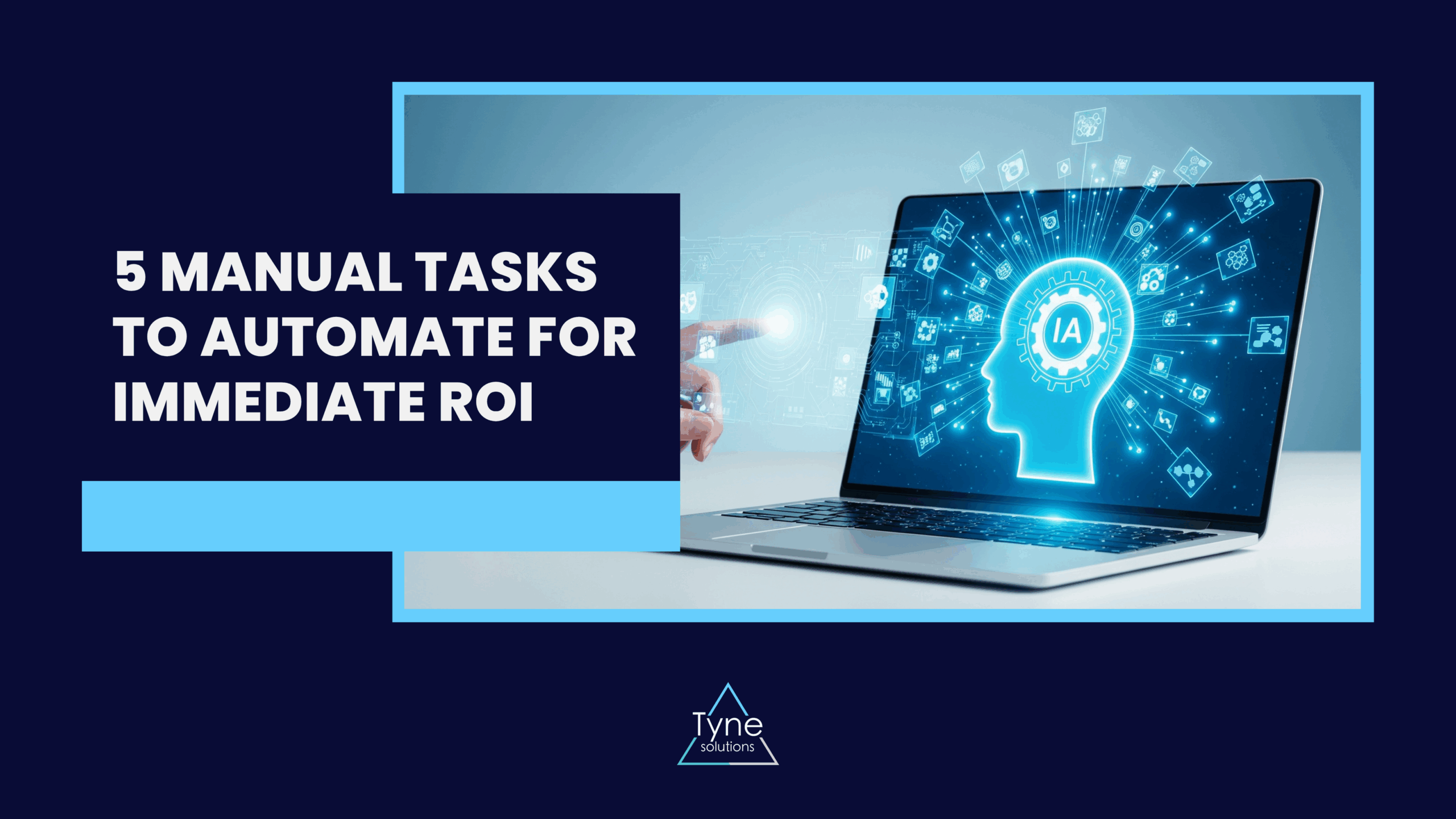
5 Manual Tasks to Automate for Immediate ROI

5 Manual Tasks to Automate for Immediate ROI

“Automation” is one of the biggest buzzwords in business. It’s often associated with futuristic, complex systems, leading many organisations to believe it’s an expensive, long-term project.

The reality is different. The true cost of not automating isn’t in a missed future opportunity; it’s in the daily drain on your business right now. It’s the “death by a thousand cuts” caused by endless manual data entry, time-consuming email chains, and hours spent cross-referencing spreadsheets.

These manual tasks aren’t just slow. They are a direct source of costly errors, a drain on staff morale, and a significant barrier to achieving operational efficiency and scaling your business.

Business process automation isn’t about a five-year plan. It’s about solving today’s problems. Here are five manual tasks you can automate right now for an immediate, measurable return on investment.

The Manual Process:

Your finance team chases department heads for purchase order (PO) numbers. An invoice arrives as a PDF, which is printed, manually keyed into the accounting system, passed to a manager for physical signature, and then filed. To create an invoice, staff must manually pull data from timesheets and separate spreadsheets, a process that can take days and is highly prone to human error.

The Automated Solution:

An integrated finance module digitises the entire workflow. It uses OCR technology to read invoices, automatically matches them against digital POs, and routes them for one-click approval. For receivables, the system generates accurate invoices by pulling real-time data from project or time-tracking modules and can automatically chase late payments.

The Immediate ROI:

  • Time Saved: You can reduce the time spent on a single invoice from several days to minutes. This level of finance automation is critical; industry reports show that manual invoice processing can cost up to 10 times more than an automated system.
  • Accuracy Gained: Automatic data matching eliminates human error, duplicate payments, and incorrect billing amounts.
  • Strategic Value: Your cash flow accelerates. Instead of chasing paper, your finance team can focus on financial analysis and forecasting.

The Manual Process:

A new person is hired. Your HR team manually creates a mountain of paperwork. They email forms, chase signatures, and then re-enter that same information (name, address, bank details) into the payroll system, the IT system, and the HR system. It’s a disjointed, repetitive, and unwelcoming first-day experience.

The Automated Solution:

A structured onboarding workflow provides a secure, self-service portal for new hires to enter their information once. This single source of data is then verified by HR and automatically populates their HR profile and payroll record, eliminating redundant data entry and ensuring perfect accuracy from day one.

The Immediate ROI:

  • Time Saved: Reduces HR admin time significantly, allowing them to focus on the human side of orientation rather than data entry.
  • Accuracy Gained: Eliminates copy-paste errors by using a single, employee-verified source of data.
  • Strategic Value: It guarantees compliance (ensuring all data is verified by HR) and provides a professional, seamless experience for your new employee.

The Manual Process:

An employee emails their manager to request time off. The manager, with no immediate visibility of team schedules, has to check a wall calendar or a “master spreadsheet.” They reply with “OK,” and the employee then forwards this email to HR, who manually deducts the days from yet another spreadsheet. This workflow automation failure is slow, impossible to track, and often results in payroll errors.

The Automated Solution:

A self-service HR portal gives employees and managers a single, accurate, real-time view. Employees see their precise leave balance and submit requests digitally. Managers get instant notifications, often with team-wide calendars, to make informed approvals. Once approved, all balances and payroll records are updated instantly.

The Immediate ROI:

  • Time Saved: Eradicates the administrative busy-work for employees, managers, and HR.
  • Accuracy Gained: Provides 100% accurate, real-time leave balances, eliminating conflicts and payroll mistakes.
  • Strategic Value: You get complete visibility. Managers can plan resources effectively, and HR has an instant, accurate report on company-wide leave liability.

The Manual Process:

A sales executive returns from a trip with a wallet full of faded receipts. They manually enter each one into a spreadsheet, staple the receipts to a printout, and hand it to their manager. The manager signs it and passes it to finance, where someone has to re-enter the data into the accounting system and process the payment.

The Automated Solution:

An intelligent expense module digitises the entire process. It allows employees to submit claims with digital receipts and automatically checks their eligibility against company policy before submission. The system then routes the claim through a custom, multi-stage digital approval workflow (e.g., HR, Manager, Finance), creating a fully auditable trail and ensuring 100% compliance.

The Immediate ROI:

  • Time Saved: Slashes processing time by replacing a physical paper trail with an automated, digital workflow.
  • Accuracy Gained: This is the biggest win. By checking eligibility before submission and enforcing a multi-step approval process, the system ensures 100% compliance with company policy and eliminates improper payments. Studies from bodies like the Global Business Travel Association (GBTA) often find that a significant percentage of expense reports contain errors, and correcting a single one is costly.
  • Strategic Value: Staff are reimbursed faster, and your finance team has a complete, auditable digital trail for every claim, moving from chaotic paper-chasing to controlled financial management.

The Manual Process:

Your head of department needs a report. This kicks off a frantic scramble. An analyst must manually export data from the sales system, the finance system, and the HR system into three different CSV files. They spend half a day in Excel, cleaning the data and trying to merge it. By the time the report is ready, the data is already 48 hours out of date.

The Automated Solution:

An integrated ERP system with a central dashboard. This is the core value of an integrated, bespoke ERP. Because all your data (sales, finance, HR) lives in one system, the automated business reporting is already built. The manager simply logs in and sees a pre-configured, role-specific dashboard. They don’t see a generic wall of data; they see the exact, real-time metrics relevant to their role—live sales figures versus targets for a sales manager, or project burn-rates for an operations head.

The Immediate ROI:

  • Time Saved: Frees up your most analytical staff from being “data janitors.”
  • Accuracy Gained: You are making decisions based on live, relevant information, not a static, out-of-date spreadsheet.
  • Strategic Value: This is the ultimate automation ROI. It empowers your leadership to make faster, more intelligent decisions. You get immediate visibility into your specific area of responsibility, spotting problems and opportunities as they happen.

Automation isn’t a futuristic luxury; it’s a practical necessity for eliminating the invisible, everyday costs that slow you down. This is the practical, immediate side of digital transformation.

By automating these five manual tasks, you don’t just get faster, you get more accurate, more compliant, and more strategic. You free your most valuable asset, your people, from the drudgery of manual work and empower them to do what they were actually hired to do: think, solve problems, and grow your business.

If you’re still managing any of these processes with spreadsheets and email, it’s time to talk about workflow automation. Let’s identify the manual tasks that are costing you the most.

Book a workflow assessment with our team today

Fix Common AirNotifier Errors in Minutes with This Guide

Fix Common AirNotifier Errors in Minutes with This Guide

So you’ve set up your self-hosted AirNotifier instance, perhaps by following our beginner’s guide or using the Docker installation method. You send your first test push notification, and… nothing happens. Or worse, you get a cryptic error message in the logs. Don’t worry, you’re not alone.

AirNotifier is a powerful tool, but like any system, it has common points of failure. This guide will walk you through the most frequent errors and provide clear, step-by-step solutions to get your notifications flowing correctly.

Error 1: InvalidDeviceToken or NotRegistered

This is by far the most common error. You try to send a notification, and the log shows that the device token is invalid or no longer registered with the push notification service (Apple’s APNs or Google’s FCM).

Root Causes and Solutions

  • The User Uninstalled the App: This is the most frequent cause. When a user uninstalls your application, the push token associated with that installation becomes invalid. Both APNs and FCM will report it as stale.
  • Solution: Your system must have a feedback loop. When you receive an InvalidDeviceToken or NotRegistered error, you must delete that token from your database. Continuously trying to send to a dead token can get your server temporarily blocked by the push gateways for causing unnecessary traffic.
  • Mismatched Environments (iOS/APNs): You are trying to send a notification to a production device token using a development/sandbox certificate, or vice-versa.
  • Solution: In AirNotifier, ensure you have configured both a sandbox and a production app profile. Your mobile application should send a flag indicating which environment it’s running in, so your backend knows which AirNotifier app ID (and corresponding certificate) to use.
  • Incorrect Token Format: The token was copied incorrectly or corrupted when being sent from the device to your server.
  • Solution: Log the tokens you receive on your server and compare them with the tokens generated on the device. Ensure there are no encoding issues or accidental truncations.

Error 2: Connection Timeouts or SSL/TLS Handshake Failures (APNs)

You try to send a notification to an iOS device, but the AirNotifier log shows a connection timeout or an SSL error when trying to connect to Apple’s servers.

Root Causes and Solutions

  • Firewall Issues: This is the number one cause. Apple’s push notification service requires specific network ports to be open for outbound connections. Your server’s firewall may be blocking them.
  • Solution: Ensure that your server’s firewall allows outbound TCP connections on port 443 and port 2197. According to Apple’s official documentation, these ports are essential for communication with APNs.
  • Expired or Invalid APNs Certificate: The .pem certificate you uploaded to AirNotifier has expired, has been revoked, or was not generated correctly.
  • Solution: Log in to your Apple Developer account and check the validity of your push notification certificate. Generate a new one if needed, convert it to the .pem format (certificate and private key combined), and re-upload it to the correct application profile in AirNotifier.

Error 3: AuthenticationError or 401 Unauthorised (FCM)

When sending to Android devices, you see an authentication error in the logs. This means Google’s servers are rejecting your requests.

Root Causes and Solutions

  • Incorrect FCM Server Key: The API key you entered into AirNotifier for your Android application is incorrect or has been revoked.
  • Solution: Go to your Firebase Console, select your project, and navigate to Project Settings > Cloud Messaging. Here you will find your Server Key. Copy it carefully and paste it into the “API Key” field for your app in AirNotifier.
  • FCM API Not Enabled: In some Google Cloud Projects, the Firebase Cloud Messaging API may be disabled by default.
  • Solution: Go to your Google Cloud Console, navigate to the “APIs & Services” dashboard, and ensure that the “Firebase Cloud Messaging API” is enabled for your project.

General Troubleshooting Steps

If you’re still stuck, follow this checklist. Many developers on platforms like Stack Overflow have solved their issues by systematically checking these points.

  • Check your AirNotifier Logs: The airnotifier.log file is your best friend. Set the logging level to DEBUG in your airnotifier.conf for more detailed output.
  • Verify App IDs and Profiles: Double-check that you are sending the notification to the correct app_id that corresponds to the right platform (iOS/Android) and environment (sandbox/production).
  • Test with a Single, Known-Good Device: Hardcode a specific, recently generated device token and try to send a notification directly to it. This isolates the problem from any database or token-fetching issues.
  • Isolate the Network: From the server running AirNotifier, use command-line tools like curl or openssl s_client to try and connect to the APNs/FCM gateways directly. This will tell you if you have a network or firewall problem.

Still Stuck? Let Our Experts Take a Look.

Troubleshooting distributed systems can be complex. If you’ve gone through this guide and are still facing issues, it might be a sign of a deeper problem with your configuration, network, or architecture.

Our team has deep expertise in building and managing robust notification systems. We can help you diagnose the problem and build a reliable solution that just works.

Book a Consultation with Tyne Solutions

How to Scale AirNotifier to 1 Million+ Notifications

How to Scale AirNotifier to 1 Million+ Notifications

Your application is a success. User numbers are climbing, engagement is high, and the push notifications you’re sending are multiplying from thousands to hundreds of thousands, and soon, millions. This is a great problem to have.

But the simple, single-server AirNotifier setup that worked perfectly for your first 10,000 users is now showing signs of strain. API response times are slow, notifications are getting delayed, and you’re worried the entire system might fall over during a peak traffic spike.

If you followed our how-to guide for beginners or used our guide to install AirNotifier with Docker, you have a solid foundation. However, a standard AirNotifier installation is not designed for this kind of load. To handle millions of notifications reliably, you need to move from a single server to a distributed, scalable architecture. This guide will provide the blueprint to do just that.

Understanding the Bottlenecks of a Standard Setup

Before we build a new system, it’s crucial to understand why the old one breaks. A standard AirNotifier instance typically runs the application and its MongoDB database on a single server. This creates three primary bottlenecks at scale:

  1. The Application Server: The single Python (Tornado) process can only handle a finite number of concurrent API requests. As traffic increases, it becomes CPU-bound, leading to slow response times and request timeouts.
  2. The Database: A single MongoDB instance is overwhelmed by the sheer volume of read/write operations. Storing device tokens, queuing notifications, and logging every event creates intense disk I/O and query contention, making the database the slowest part of the system.
  3. The Gateway Connection: All outgoing notifications to Apple (APNs) and Google (FCM) are pushed through a single connection point, which can become saturated or fail, causing delays for every user.

The Blueprint for a Scalable AirNotifier Architecture

To overcome these bottlenecks, we need to evolve our architecture from a single monolithic server into a set of specialised, independently scalable components.

Here’s the four-part blueprint:

1. Implement a Load Balancer

The first step is to stop sending traffic directly to your AirNotifier application. A load balancer (like Nginx or HAProxy) will act as the single entry point for all API requests. Its job is to distribute incoming traffic evenly across multiple application servers.

This immediately solves the single-point-of-failure problem for your application and allows you to scale horizontally by simply adding more servers behind the load balancer.

2. Scale the Application with Multiple Instances

Instead of one large, powerful server (vertical scaling), we will run multiple smaller, identical copies of the AirNotifier application on different servers (horizontal scaling). The load balancer will distribute requests among them.

This means if one application server goes down, the others can handle the load. If you have a traffic spike, you can quickly spin up new instances to meet the demand. This makes your application layer both resilient and elastic.

3. Decouple with a Message Queue

This is the most critical step for achieving massive scale and reliability. Instead of having the application server immediately try to send a notification, we will use a message queue (like RabbitMQ or Redis). As explained in a detailed CloudAMQP article on the topic, this pattern decouples tasks from the main application thread.

The new workflow looks like this:

  1. Your API request hits the load balancer.
  2. The load balancer forwards the request to an available AirNotifier app instance.
  3. The app instance validates the request and, instead of sending the notification, it pushes the notification job onto the message queue. This is an extremely fast operation.
  4. The app instance immediately responds with a “202 Accepted” status, telling the client the job is queued.

This makes your API incredibly fast and ensures that even if the APNs or FCM gateways are temporarily down, no notifications are lost. They simply wait in the queue.

4. Create Dedicated Notification Workers

Now that jobs are in the queue, we need a separate pool of servers whose only job is to process them. These are dedicated workers. They pull jobs from the message queue, connect to the relevant push notification service (APNs/FCM), and send the notification.

The beauty of this model is that you can scale your workers independently. If your notification queue starts to get long, you can simply add more worker instances to clear it faster, without affecting the performance of your main API servers.

Optimising the Database for High Throughput

With our application layer scaled, the database is now the most likely bottleneck. Here’s how to ensure MongoDB can keep up.

Use a Replica Set for High Availability

Instead of a single MongoDB instance, you should always run a replica set. This consists of one primary node (which handles all writes) and multiple secondary nodes that replicate the data from the primary.

This provides two key benefits:

  • High Availability: If the primary node fails, one of the secondary nodes is automatically elected as the new primary, and your application experiences minimal downtime.
  • Read Scaling: You can configure your application to direct read queries (like fetching device information) to the secondary nodes, reducing the load on the primary.

Implement Sharding for Write Scaling

For truly massive scale (tens of millions of users), replication isn’t enough. You’ll need sharding. Sharding distributes your data across multiple replica sets (called “shards”). For example, you could have users A-M on one shard and users N-Z on another.

This means no single database server has to handle the entire write load of your application. For a deeper technical dive, MongoDB’s own documentation on sharding is an excellent resource. Sharding is complex to implement, but it’s the standard for achieving web-scale database performance.

Don’t Forget Your Indexes

This is a simple but critical optimisation. Ensure you have indexes on the fields you query most often in your devices and log collections, such as appname, token, and timestamps. An indexed query can be thousands of times faster than an unindexed one.

Monitoring and Best Practices

Scaling isn’t a “set it and forget it” task. You need to monitor your system to anticipate problems. Keep a close eye on:

  • Queue Length: A consistently growing queue means you need more notification workers.
  • Notification Latency: How long does it take from the moment a notification is queued to when it’s delivered?
  • Error Rates: Track the percentage of failed notifications to spot issues with gateways or expired tokens.
  • System Metrics: Monitor the CPU, memory, and network usage of your load balancers, app servers, workers, and database nodes.

Conclusion: From a Single Server to a Robust System

Scaling AirNotifier from a few thousand to over a million notifications is a journey from a simple application to a complex, distributed system. By replacing a single server with a resilient architecture—built on load balancing, horizontally scaled instances, a message queue, and an optimised database—you can build a notification platform that is fast, reliable, and ready for whatever growth comes next.

Want a second pair of eyes on your set-up, queue, and data design? Book an AirNotifier scaling review with Tyne Solutions. We will profile your current stack, run a guided burst test, and provide you with a clear action plan for over one million sends with confidence.

Schedule a Free Architecture Consultation with Tyne Solutions